Soledad Documentation
Set featured images for posts and understand recommended thumbnail sizes for best results.
36 articles across 15 sections.
Post Thumbnails
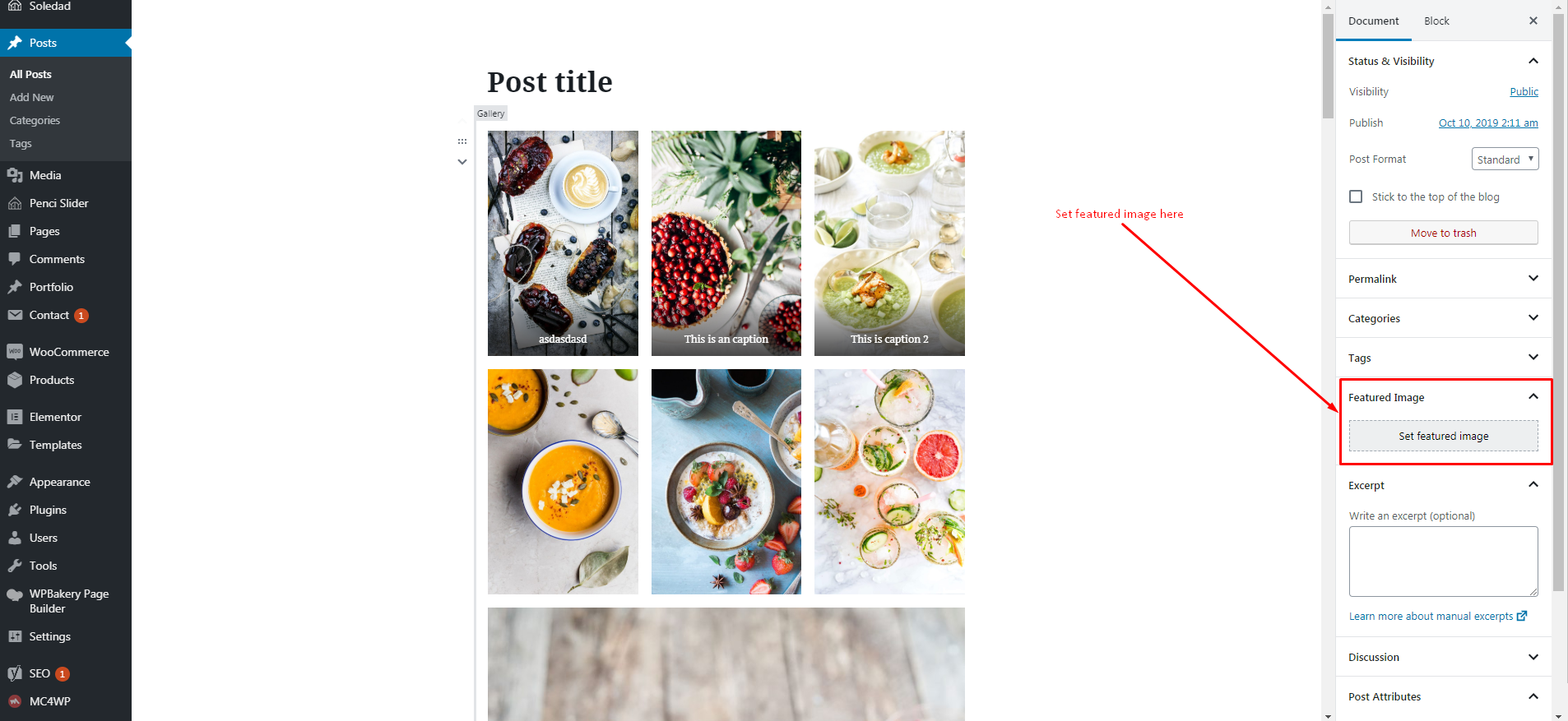
Soledad uses the default WordPress Post Thumbnails function. You can upload one featured image to a post and WordPress & Soledad theme will automatically resize it to all of the various thumbnail sizes used throughout the theme.
To set a post thumbnail for your post, go to Posts > Add New/Edit Post > Set Featured Image The normal upload box will now appear. Upload your image and click "Use as featured image".
Click the image to view a larger version.
Soledad can works fine with all image sizes, but to get the best results, you should use images for your featured images with at least 1170px width and 780px height.
You can use this website to crop/resize your images before upload it to your site: http://www.picresize.com/batch.php